Opis
2D/3D CAD program s podrškom za ACAD DWG format. 2D import iz ArCona. Engleski jezik.
INTERsoft IntelliCAD
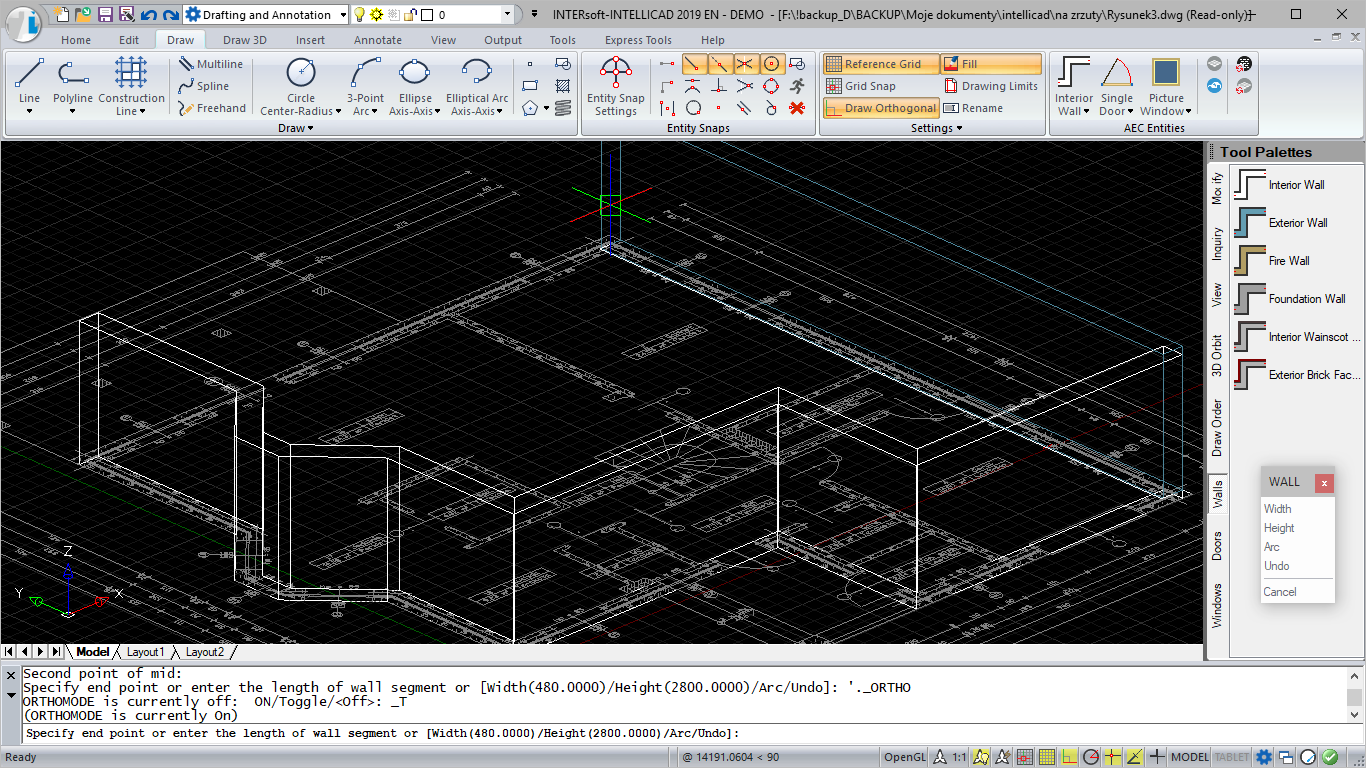
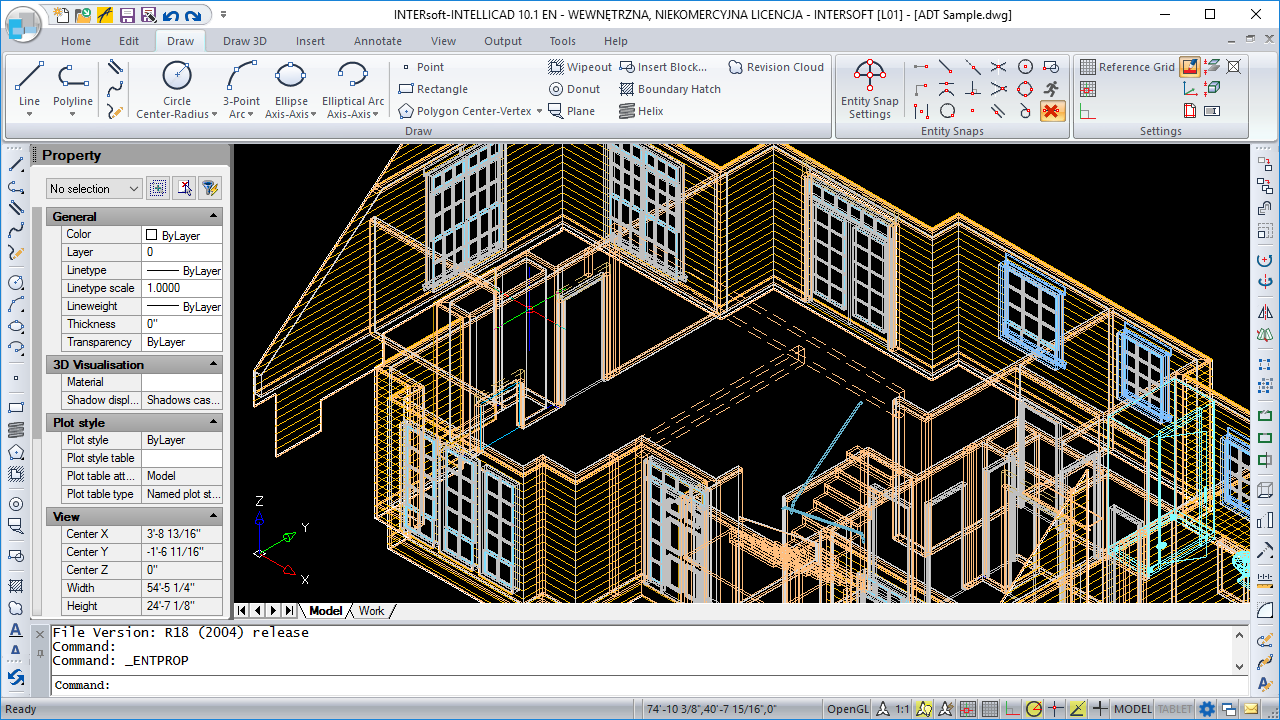
What is INTERsoft-INTELLICAD?
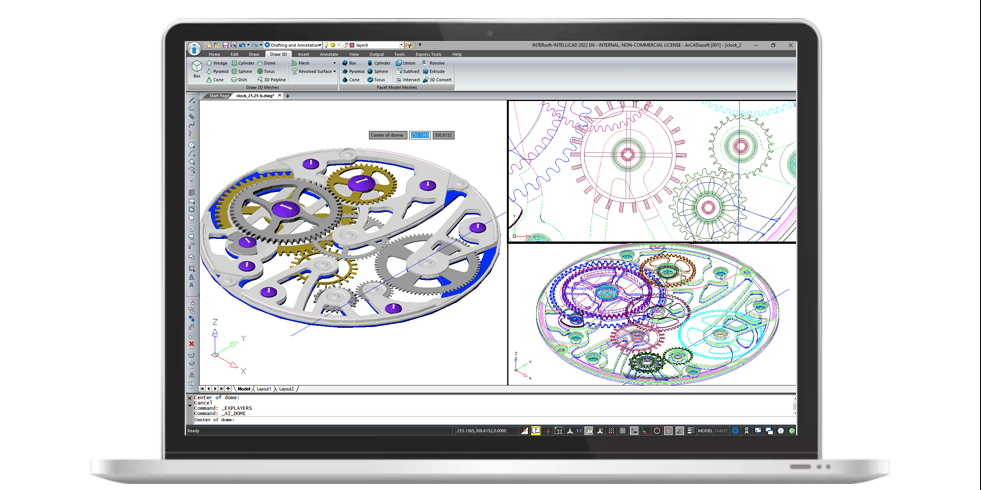
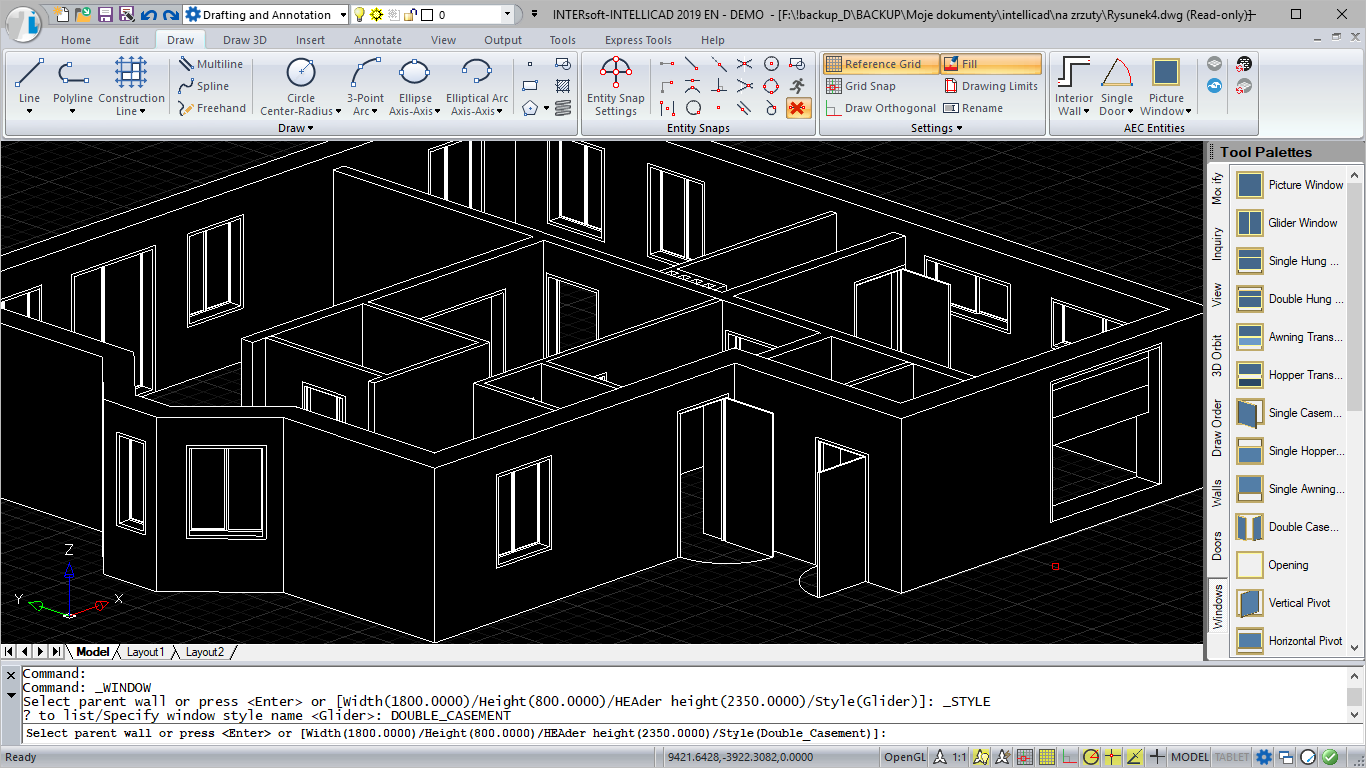
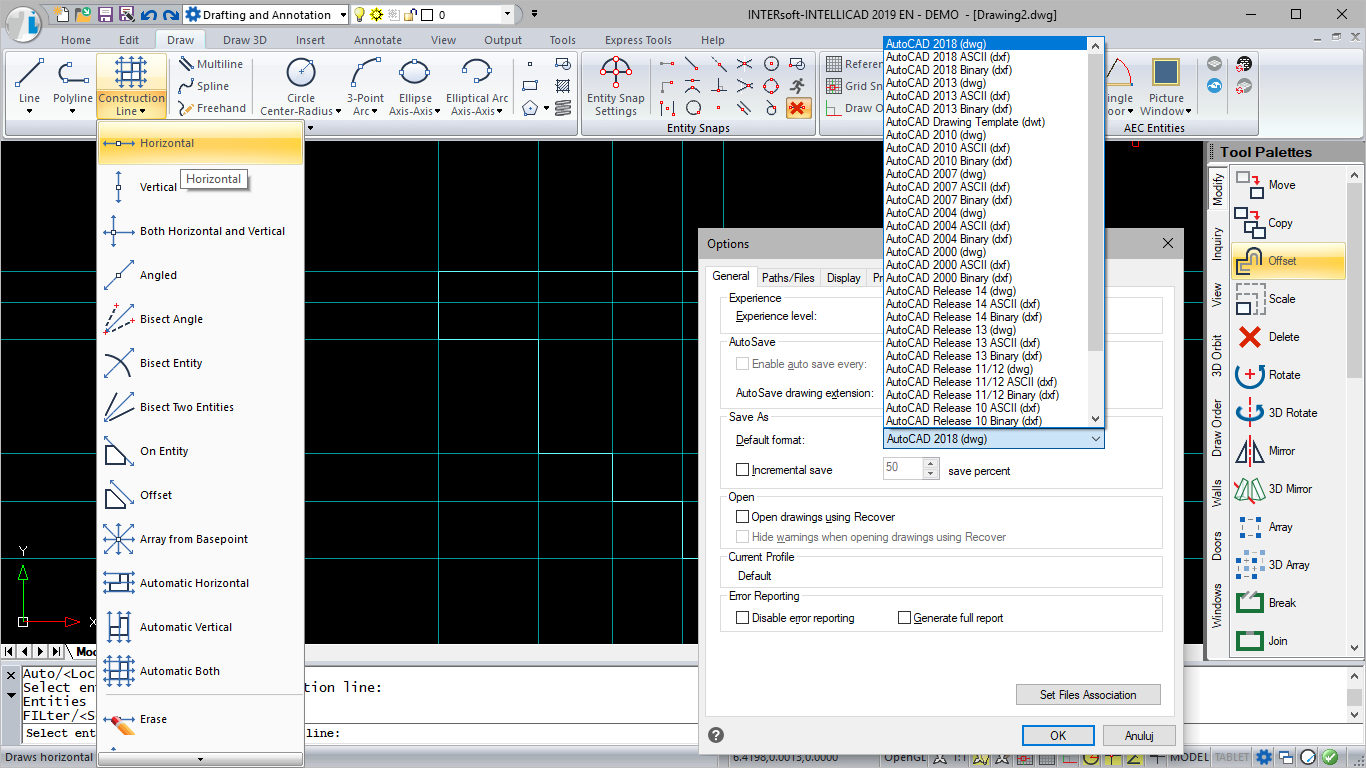
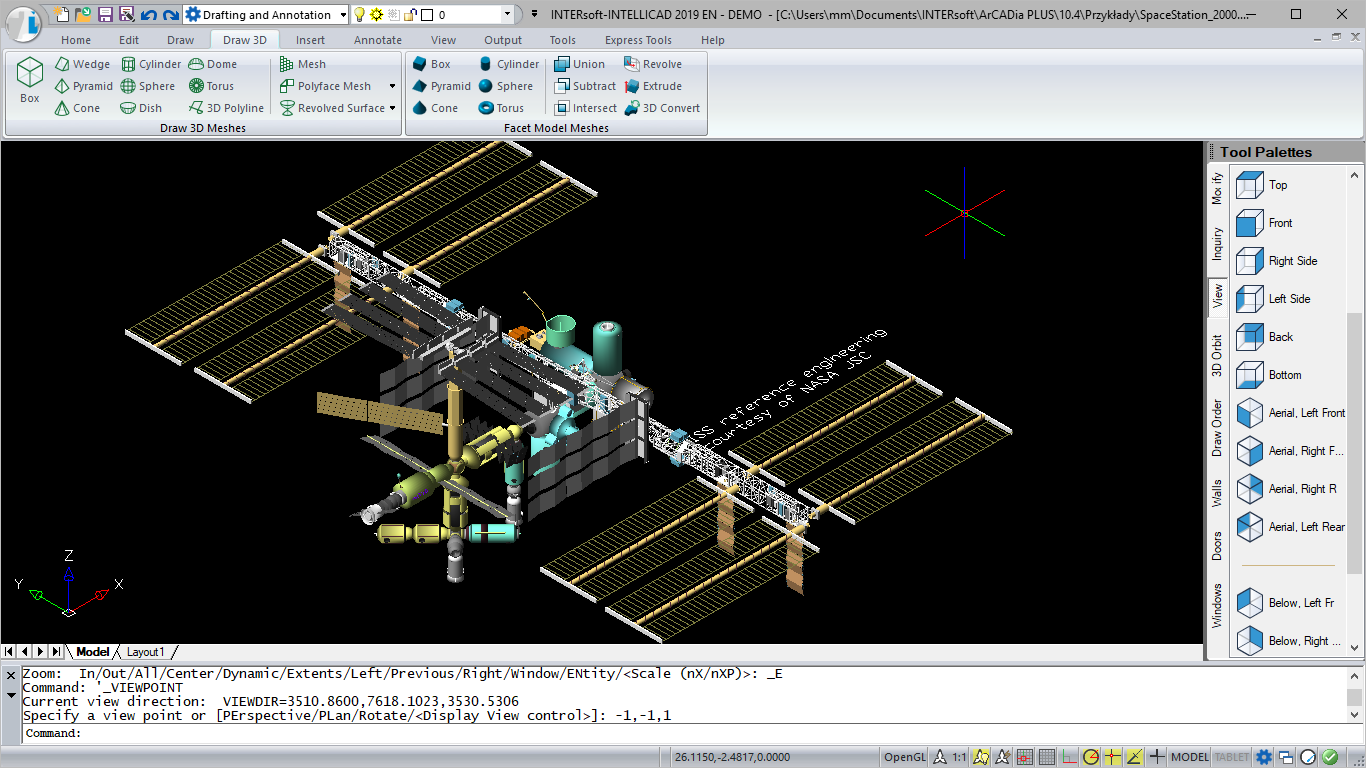
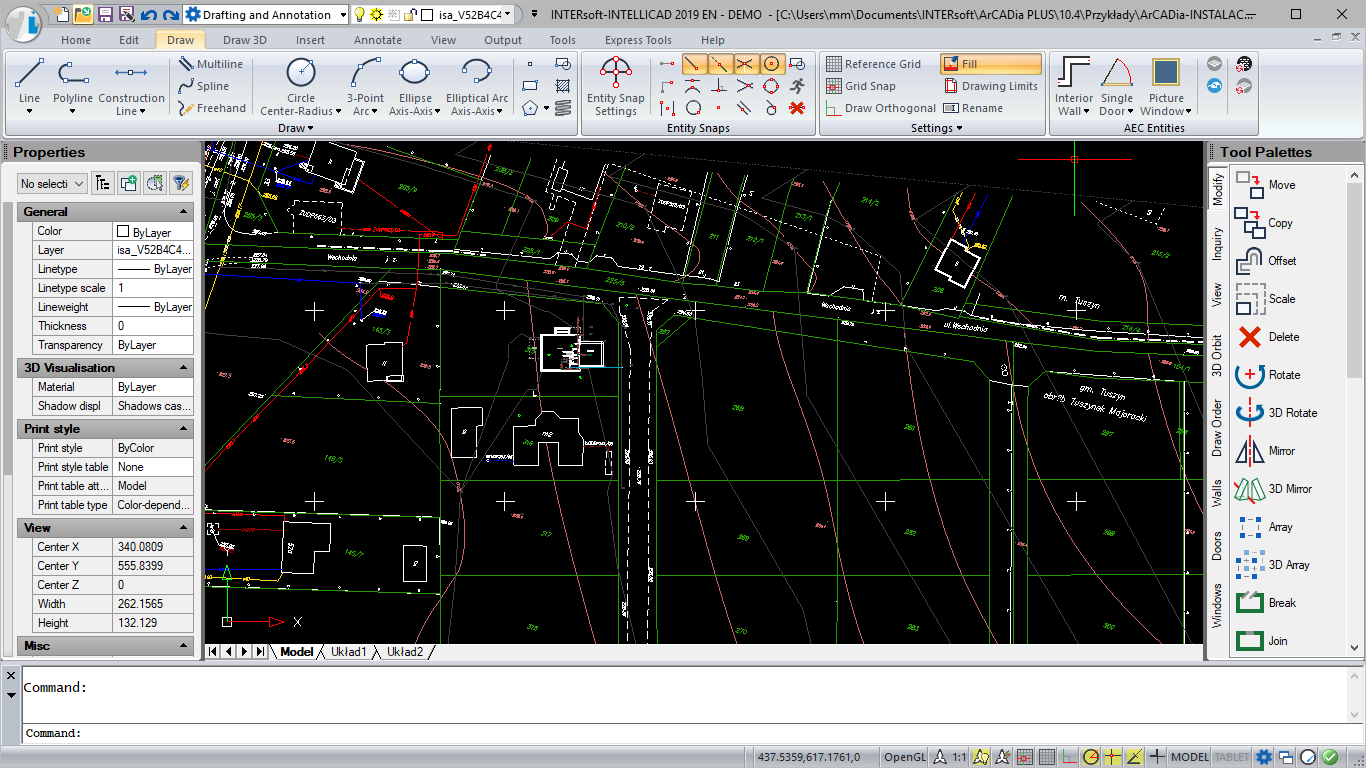
INTERsoft-INTELLICAD is a breakthrough version of the CAD software for creating 2D and 3D technical documentation, which has been in existence for years. It has powerful tools for precise drawing. The new graphics interface ensures intuitive work and does not interfere in the CAD designer’s habits. The software has a wide range of features for saving and loading DWG files, from the oldest 2.5 version to the currently latest DWG 2013 format. INTERsoft-INTELLICAD works with numerous volumes, such as: StalCAD, ŻelbetCAD, InstalCAD, INTERsoft-PRZEDMIAR, including modules of the ArCADia system for creating a comprehensive BIM model.
Working on layers, command line, full setting personalization (commands, toolbars, shortcuts and aliases, the option to import lines, hatching and dimensioning styles are the basic features of the software. Moreover, it allows the development and modification of 2D and 3D documentation, loading raster bases (BMP, JPG, TIF and PNG), description with TrueType or SHX fonts, linear and angular dimensioning with style recording, saving and handling solids (also with attributes), loading applications saved in LISP and SDS. There is an option to work with textures, lighting and to create renderings in 3D documents.
What’s new in INTERsoft-INTELLICAD 2026?
Performance
- Entity snapping is refactored for improved stability and
- The Copy to Clipboard command is 30x faster in certain
- The Break command is 12x
- Overall performance improvements when using the Move, View, Union, and other
- Improved performance for GetCurrentView and SetCurrentView in the .NET
- Improved performance when using grips to stretch a large number of overlapping
Working with files
- Import .svg
- If saving a drawing to an inaccessible path, for example, with a lost network connection, a copy of the drawing is saved automatically in the user’s \Documents\My Program\Emergency Saved Drawings
- Working with BIM files:
- Support for Autodesk® Revit® 2025 RVT and RFA file
- Change the orientation of a wall as you draw it using the Flip
- Use grips when editing boundaries of
- Create architectural spaces using the Spaces command, and infill AEC entities when using the Section Plane command
Text
- Create a QR code from new multiline text or multiline text attached to a new leader
- Use new Unicode
- Turn automatic stacking of multiline text on or
Blocks
- Improved workflow when using the Attribute Editor dialog box to edit the value, text settings, and properties of each attribute in a block.
- For advanced blocks, use the CPolygon option when adding a stretch or polar stretch
User interface
- Choose between new themes that include: Dark, Light, and Dark is the default.
- Drag drawing windows outside the program window, allowing you to work with drawings on multiple monitors without running the program again.
- Add text titles to visually organize tools into groups on the Tool Palettes
- Choose transparency settings for the command bar when it is
- Set options for the status bar from one location by choosing Options > User Preferences, and then click Status Bar Settings.
- Choose how various UI elements work with running entity snaps by choosing Drawing Settings > Coordinate Input > Entity Snaps.
More features
- The Overkill command now works with rays, infinite lines, text, multiline text, and
- Use the Trim command with table
- Automatically fill table cells with content from existing
- Specify a file name before publishing to a .pdf file instead of prompting for a file
- Set the current scale for annotative entities when using the Scale List
- Default proxy options can be overridden when opening a drawing that contains custom objects created in an unavailable custom application.
APIs
- LISP: Access the LISP programming environment using Microsoft® Visual Studio Code with the IntelliCAD Lisp Debugger extension. You can also use the VLISP command directly in IntelliCAD.
- LISP functions: dumpallproperties, getpropertyvalue, ispropertyreadonly, and
- .NET: Updated to .NET version 8; use IIcadApplicationPrefernces for retrieving .ctb file
- IcARX: AcadAppInfo, CAdUiPaletteSet, and Properties Palettes
System variables
-
- New system variables: ANNOSCALEPANEMODE, BDEPENDENCYHIGHLIGHT, CMDROLLOVEROPACITY, ISAVECOUNT, MTEXTAUTOSTACK, PROXYNOTICE, QCDECIMALSEPARATOR, STATBARMENUMODE, and
- UITHEME is renamed to COLORTHEME and includes new
- Updated system variables: GRIDLINESMAX, GRIDPOINTSMAX, LIMMIN, LIMMAX, OSNAPMAX, and